Outline


Get In Touch
Get In Touch
Key Takeaways
AI isn’t the talent
AI is a tool, and better results come from how you guide it, not what you expect it to do on its own.Vague prompts fail
Generic instructions force AI to guess context, leading to inconsistent and often unusable output.Structure improves output
A clear framework (objective, role, context, audience, constraints) creates guardrails that drive better results.Context is everything
Providing business details, audience insights, and supporting material significantly increases relevance and quality.Better inputs save time
Investing more effort upfront reduces rework, shifting your time from fixing poor outputs to refining strong ones.
Why Vague Prompts Produce Garbage Output — And How to Fix That
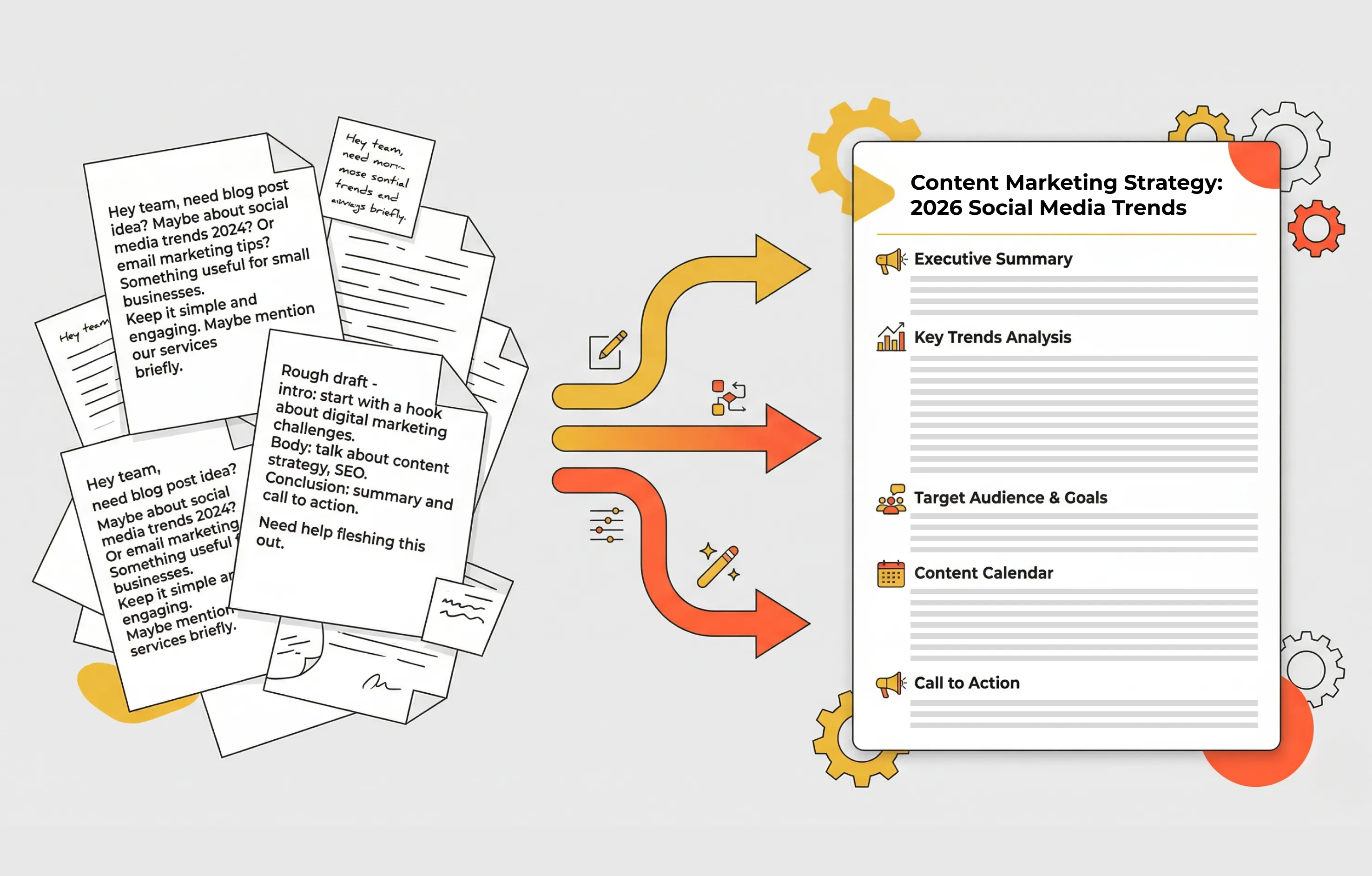
Are you writing prompts like this?
“Write me a proposal.”
“Create a report.”
“Put together a strategy.”
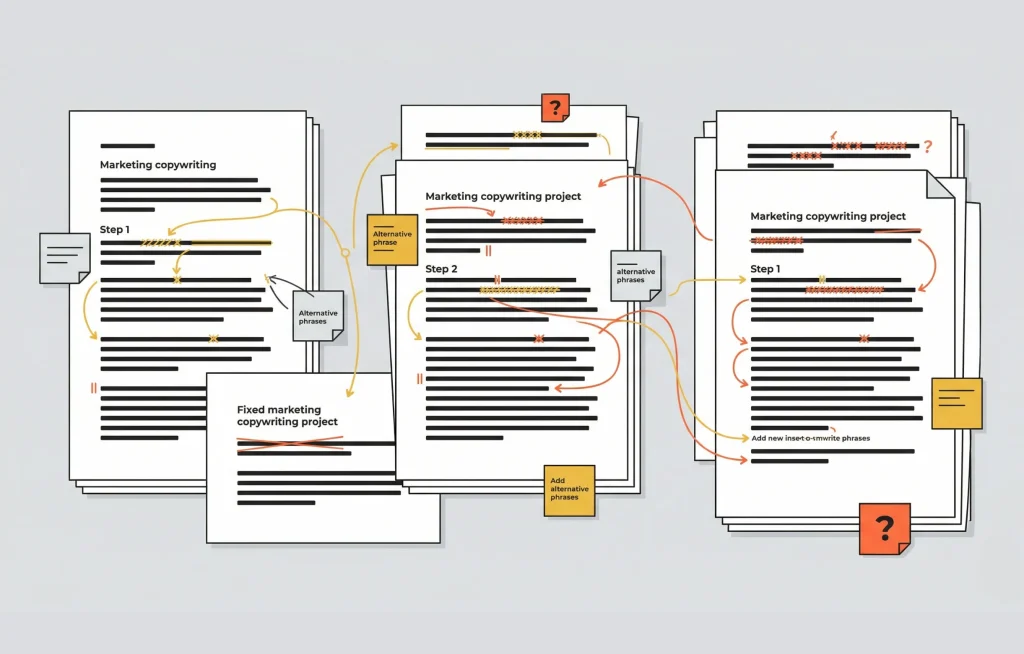
Welcome to the world of generic AI output. You’ll start the fixing process, which results in long, convoluted conversations that often end in frustration.
The AI is filling in gaps you never defined. It’s guessing tone, structure, audience, and intent all at once. Sometimes it guesses right. Often it doesn’t. One of the things you need to remember about AI is that it always does its best with what you’ve given it. It won’t push back or ask for more detail because the underlying behaviour is to be helpful, not to annoy you with questions.
If you invest a bit more upfront, something shifts. The AI has less to guess and more to work with. You move from fixing to crafting.
A Simple AI Prompt Framework for Better Results
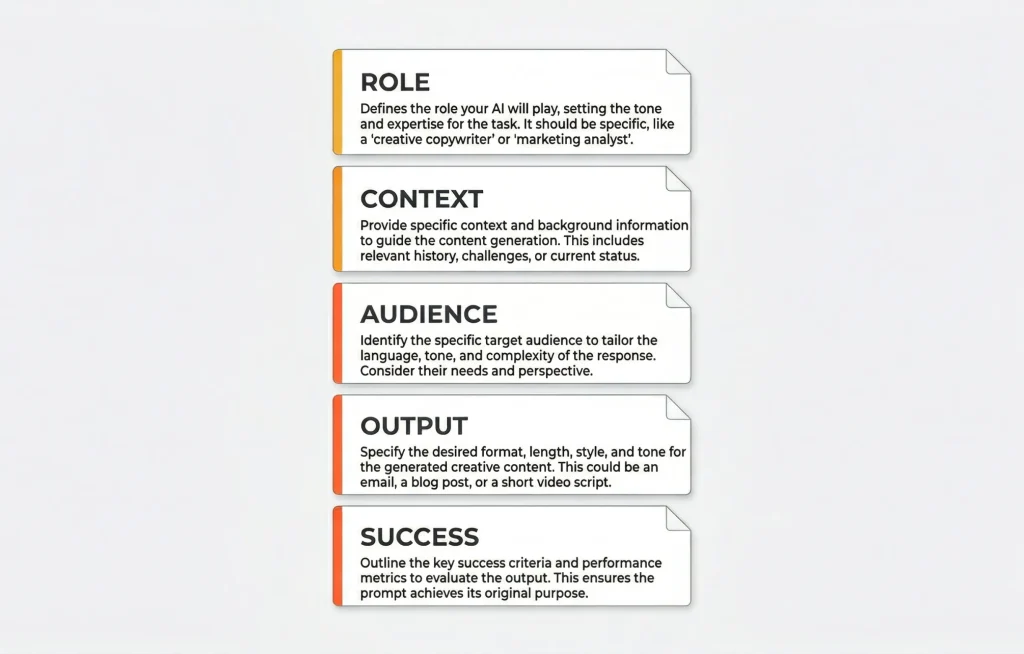
It isn’t complicated, it’s just structured. When you use a framework, you’re really building guardrails. Each part of the prompt chips away at and eventually crumbles the monolith of the generic AI response.
I can tell you from experience, getting something back that just works can feel like a major accomplishment.
Start by Defining Success
Before you begin writing a prompt, take a step back.
What does a good outcome actually look like?
Is it something that gets approved first time? Something that drives engagement? Something that clearly communicates a complex idea?
If you can’t picture the end result, the AI has no chance.
This step is often skipped, but it’s important. You’re not just asking the AI to complete a task, you’re asking it to achieve an outcome. That only works if you know what that outcome is.
Define the Objective and the Process
Begin with a clear, high-level task.
“Create a proposal for…”
“Write a report on…”
“Develop a content plan for…”
This gives the AI a starting point. Without it, it has too many directions to go.
You can also define the process if the task is complex.
“First outline the structure, then expand each section.”
“Ask clarifying questions before generating the final output.”
This is useful because AI models default to one-shot answers. If you don’t guide the process, they will try to complete everything in a single pass, which is where things can get messy. AI aims to please, but without giving it at least a general idea of where the target is, it’ll miss every time.
Define the Role
Next, tell the AI who it is.
“Act as a senior strategy consultant.”
“Act as an experienced copywriter in B2B marketing.”
“Act as a technical reviewer.”
This works because the AI has been trained on data associated with different roles. When you define a role, you activate a specific style of thinking, vocabulary, and structure.
Without this, the output defaults to a “whatever the user types is brilliant” type of persona. With it, the output starts to feel intentional.
Give the AI Your Business Context
This is where the quality improves quickly.
Give background on the business, the problem, and the environment.
“We are a mid-sized company offering…”
“Our goal is to…”
“This task sits within…”
What you’re doing here is reducing ambiguity. The AI doesn’t know your business unless you tell it. If you skip this, it fills in the blanks with generic assumptions.
The devil is in the details. In this case, the devil shows up when there are no details.
Remember, you don’t need to type everything out. If you have supporting documents, you can upload them.
Define the Role
Next, tell the AI who it is.
“Act as a senior strategy consultant.”
“Act as an experienced copywriter in B2B marketing.”
“Act as a technical reviewer.”
This works because the AI has been trained on data associated with different roles. When you define a role, you activate a specific style of thinking, vocabulary, and structure.
Without this, the output defaults to a “whatever the user types is brilliant” type of persona. With it, the output starts to feel intentional.
Give the AI Your Business Context
This is where the quality improves quickly.
Give background on the business, the problem, and the environment.
“We are a mid-sized company offering…”
“Our goal is to…”
“This task sits within…”
What you’re doing here is reducing ambiguity. The AI doesn’t know your business unless you tell it. If you skip this, it fills in the blanks with generic assumptions.
The devil is in the details. In this case, the devil shows up when there are no details.
Remember, you don’t need to type everything out. If you have supporting documents, you can upload them.
Include Supporting Material
If you have existing material, use it.
“Use the attached document as reference.”
“Refer to the brand guidelines provided.”
“Use previous reports for context, not structure.”
There’s a good chance this work has been done before in some form. Reports, proposals, brand guidelines, previous campaigns. All of that can help guide the output.
This is where you give the AI something real to work with instead of letting it generate everything from scratch.
One important caveat. Be explicit about how this material should be used. If you don’t say otherwise, the AI may treat it as a template and start copying structure or phrasing.
You want it to understand the material, not replicate it.
Define Who You're Writing For — In Detail
Get clear on who this is for.
“The audience is…”
“They care about…”
“They struggle with…”
This matters because communication changes depending on who you’re speaking to. The AI will adjust tone, complexity, and focus based on this input.
If you leave it out, you get something that tries to speak to everyone, which usually means it speaks to no one particularly well.
Cards on the table, this isn’t as simple as “the audience is…” You’re going to have to do a bit more work here. Define their challenges, include some demographic information, and think about what they care about. Where does your brand actually help them?
If you have created customer personas, this is where they come in.
Name the Stakeholders and Set the Boundaries
At this point, start shaping the edges.
“This will be reviewed by…”
“The client is not familiar with…”
“Avoid jargon and keep language simple.”
This step helps align the output with real-world use. You’re not just generating content, you’re generating something that needs to pass through people.
It also introduces useful constraints. AIs perform better when they have boundaries. Without them, they tend to over-explain or drift (I am looking at you, ChatGPT).
Specify Exactly What You Want Back
Now you can be direct about what you want.
“Include the following sections…”
“Keep it under…”
“Focus on these key points…”
This removes guesswork. The AI no longer needs to decide what a good output looks like, it just needs to execute.
Specificity is one of the biggest levers you have. Small details here can significantly improve the final result.
Define What Success Looks Like
This is the part most people skip. Remember, at the start, when I asked you to visualize what success looks like? This is where it comes in.
“Success looks like…”
“The goal of this is to…”
“This should result in…”
Without this, the AI model assumes that completing the task is enough. But most tasks have an outcome attached to them.
You’re setting the goalposts. Whether that’s clarity, persuasion, engagement, or decision-making, this step pushes the output beyond mere correctness to actual usefulness.
Ask the AI If It Understands Before You Proceed
Before you move forward, ask for confirmation.
“Do you understand the task?”
“Do you need any clarification before proceeding?”
Most of the time, everything will be fine. But occasionally, this step will catch a misunderstanding early.
It’s a small step, but it can save you from tumbling down the rewrite rabbit hole.
The Payoff: Better Inputs, Better Outputs, Less Time Wasted
This might feel like extra work, and that is pretty accurate, because it is.
But this prompt becomes the foundation for everything that follows. You can reuse, refine, and build on it across multiple tasks.
More importantly, it changes how you spend your time.
Instead of fixing poor output, you’re shaping something that’s already on the right track.
That’s the principle of it: good outputs come from good inputs.
If you wouldn’t brief a colleague with two vague sentences and expect great work, don’t do it with AI.